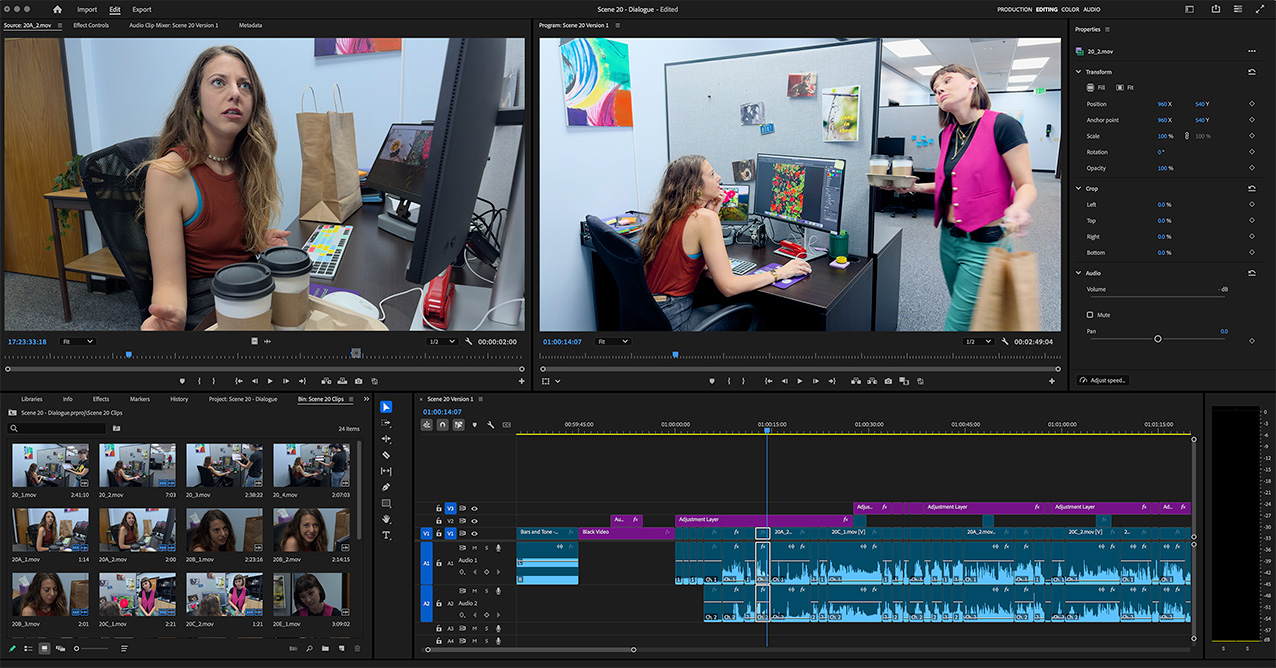
Adobe Premiere Pro lets you edit faster with true native format support. This course takes you from rough cut to final cut, with most of the class spent on hands-on editing. We’ll also look at the latest tools in Premiere Pro, including the new Color Page that reimagines how color is handled in video, along with AI tools such as the AI Assistant and Generative AI that work directly in your timeline.
Upon completion, students will have a solid working knowledge of the Premiere interface and a practical understanding of professional editing workflow. You’ll know how to shape a story on the timeline, refine picture and sound, and finish a project ready for export. We will also explore Premiere’s new Color Page and AI Assistant.
Topics will include: building a rough cut, refining to a fine cut, timeline editing tools, transitions, keyframing, basic effects, the new Color Page, AI Assistant, and Generative AI tools that create video, images, and audio directly in the timeline.