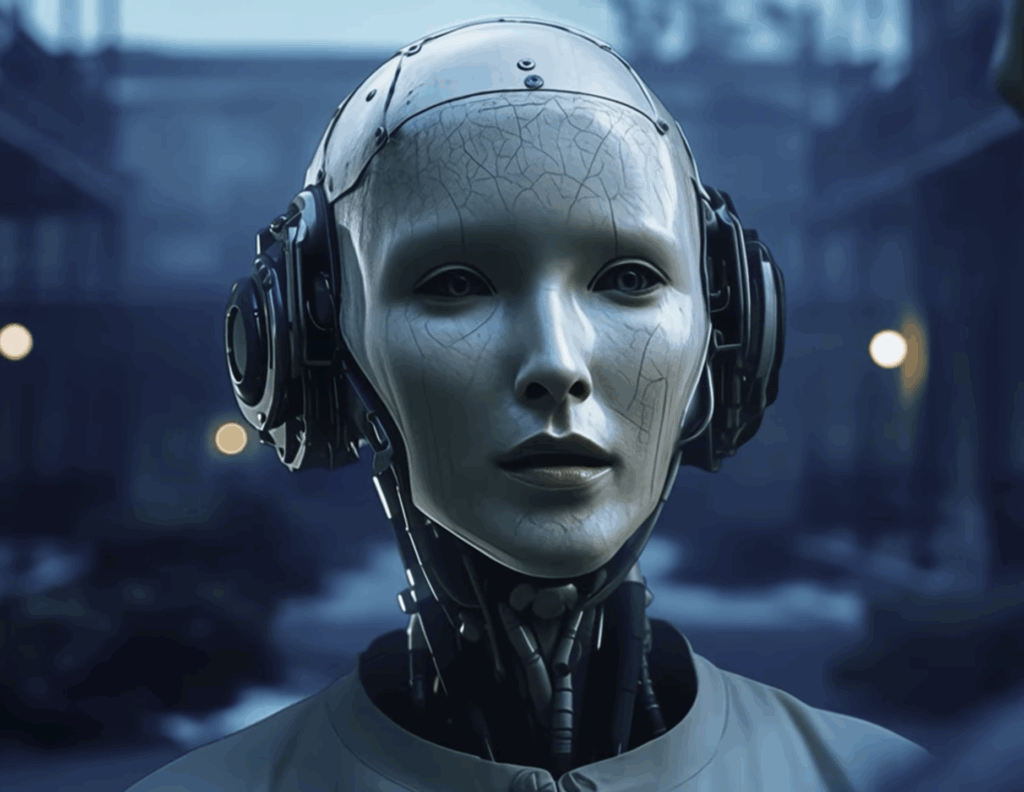
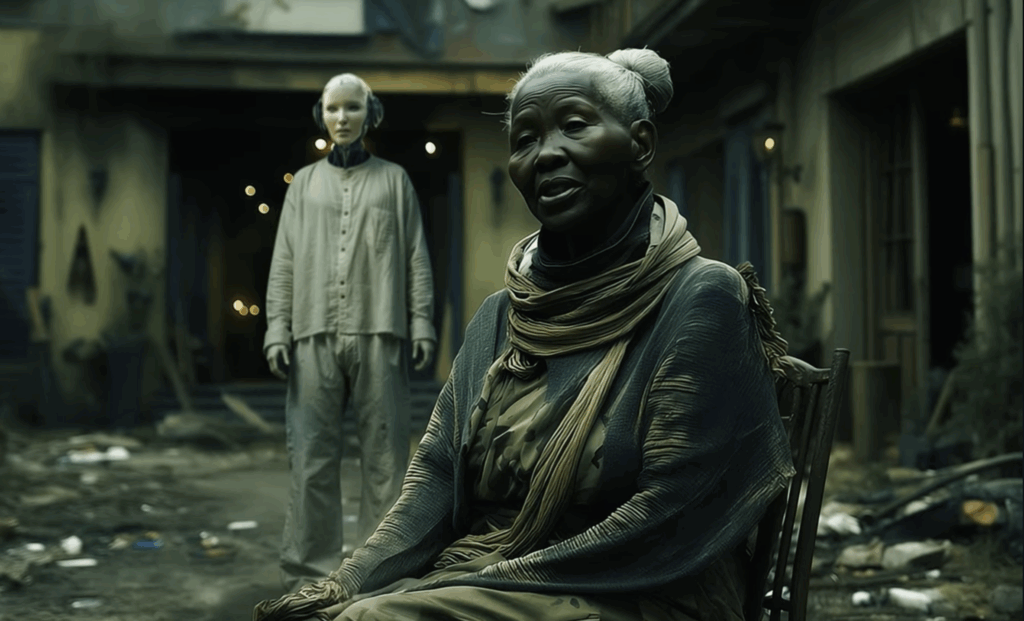
Step into the future of storytelling with AI for Filmmaking, an immersive eight-week course designed for filmmakers, editors, content creators, and artists ready to harness the power of next-generation creative tools. This hands-on class focuses on AI as a filmmaking workflow, teaching students how story, images, motion, sound, and editing connect into a complete cinematic pipeline.
Students will learn how to develop ideas, write scripts, design characters, generate cinematic visuals, create original music and voice performances, and assemble a polished short film using professional-grade AI systems. The emphasis is on intentional direction, visual continuity, and editorial discipline, not just generating content.
Each week builds toward a finished short film, moving from concept through final delivery.
- Intro to AI Filmmaking: Overview of the AI filmmaking ecosystem and modern creative workflows. Students explore the relationship between large language models, image generation, video synthesis, AI voices, AI music, and editorial finishing. Using Google Gemini, students develop a concept, logline, and short script, establishing story structure, tone, and visual intent.
- Visual Development and Asset Creation: Students design characters, environments, props, and overall visual language using image generation tools via Gemini (Nano Banana). Emphasis is placed on visual consistency, continuity, and shot intent rather than one-off images. Students build a complete visual kit including:
- Character reference frames
- Environment and location designs
- Multi-view character sheets
- Expanded set coverage
- Continuity-safe variations and angles
These assets become the foundation for animation and video generation.
- Hero Frames & Scene Design: Students create hero stills that define the emotional, visual, and compositional anchor of each scene. These frames guide: Camera language, Lighting and Tone, Blocking and Scale and Performance Intent. Hero frames often serve as start and end frames for image-to-video generation and act as a visual blueprint for the entire film.
- Shot Production – Image to Video: Using Kling AI, students animate their still images into cinematic video sequences. The focus is on image-to-video workflows, using start/end frames and prompts to direct motion, camera movement, pacing, and performance. Students learn to:
- Translate still composition into motion
- Control camera movement and framing
- Maintain character and environment continuity
- Iterate intentionally rather than randomly
Weavy is introduced as a recommended workflow tool to help students visualize and understand how prompts, images, and video stages connect into a complete pipeline.
- Visual Enhancement and Fidelity: Once editorial decisions are made, students enhance their footage using Topaz Labs. This stage focuses on:
- Upscaling
- Denoising and de-artifacting
- Motion refinement
- Visual consistency and polish
Students learn why enhancement belongs after creative decisions, reinforcing professional post-production discipline.
- Sound, Music and Voice: Students create expressive dialogue, narration, and character performances using ElevenLabs, developing voice profiles and emotional delivery.Using Suno, students generate original music, themes, and score elements tailored to their film’s tone and pacing. Emphasis is placed on how sound design and music shape emotion, rhythm, and narrative clarity.
- Final Assembly and Delivery: Students assemble their films in DaVinci Resolve (or Adobe Premiere Pro if preferred), completing:
- Picture edit and pacing
- Music placement and audio mixing
- Color correction and grading
- Final timing and transitions
Click here for an interview Michael Eng recently did for Sequencer Media (LinkedIn)
Duration: 8 weeks (30 hours)
Prerequisite: It is recommended, but not necessary, that you have basic editing skills. Experience with Adobe Premiere Pro, DaVinci Resolve, Photoshop, or After Effects is helpful, but not required. Equipment should consist of a recent vintage Mac or PC, 8GB of VRAM if you have it, and 16GB of system RAM to make things go. Students are responsible for the purchase and use of their own software for this class.