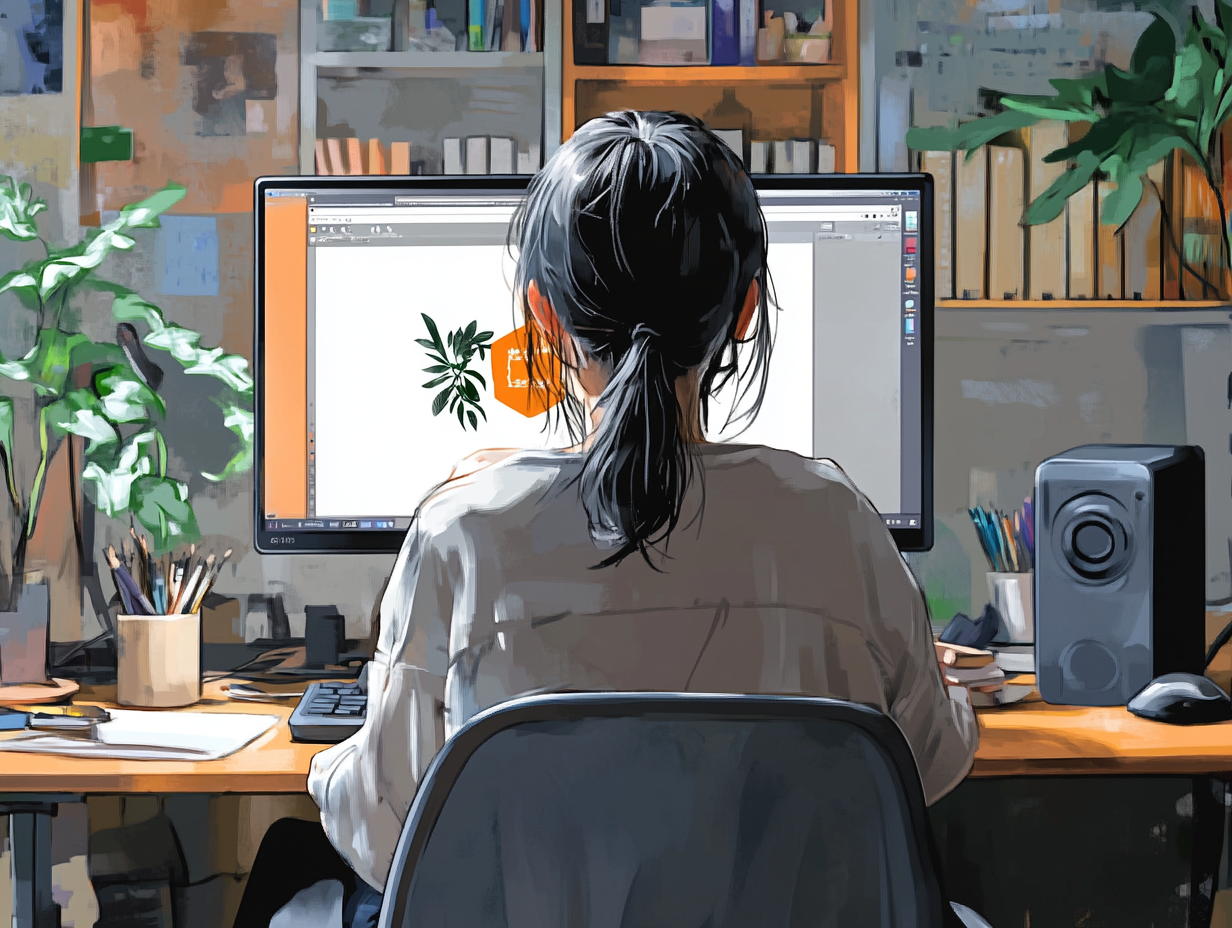
Adobe Everything

SATURDAYS 4:30 – 8:15pm

2/7/26 to 3/28/26

This class is a great introduction to the main Adobe programs, showing both their basic functions and demonstrating their interaction with each other. Each session is a self-contained demo of the main workings and uses for the program discussed, as well as an introduction to each program’s more esoteric and most recent elements. After this survey class, participants will feel more confident in their use of Adobe in creative activities.
  • Week 1 – Photoshop – This week, we cover the basics of Photoshop and its uses in improving photos, creating and redressing locations, and combining elements. Turning photos into illustrations and paintings will be included. The new Hue/Saturation and Harmonization features will be discussed
  • Week 2 – Photoshop and Bridge – Now we go more in-depth into Photoshop’s unusual features, including its creation and modification of images using Neural filters, Parimetrics, and AI. We will also see how Adobe Bridge works for organizing and rating images
  • Week 3 – Illustrator – Our first session of Illustrator demonstrates its use in creating new images using brushes, and the pen and pencil tools. We will also use Live Paint, Gradient Mesh, 3D, and the excellent Mockup panel for product modeling
  • Week 4 – Illustrator and Fresco – Illustrator has many important features useful to the creative person; we will explore Envelope Distort, AI, and the new Turntable features. Adobe’s best painting program, Fresco, with its magical Watercolor and Oil paintbrushes, will also be introduced
  • Week 5 – InDesign – Adobe InDesign is an excellent program for document mockups, props and layouts; it also works beautifully for creating Lookbooks and Scout/Tech Packs. Everything from posters, brochures and magazines to books can be created in InDesign
  • Week 6 – Premiere Pro and Media Encoder – Premiere Pro is a great way to edit and assemble footage and still images, creating videos, trailers, animatics, promotional clips, video Lookbooks, and recreating the “Ken Burns” effect. The new Generative Expand will be touched on. We will also see how Media Encoder works to render Premiere clips in different formats for different apps and websites
  • Week 7 – After Effects – After Effects is the industry’s most used program for adding visual effects to still images and video clips, as well as to create basic animations. The program also has many preset video transitions and animation presets to apply to text and credits. After Effects works beautifully with both Premiere and Encoder
  • Week 8 – What’s New in Adobe – This week we will look at the latest updates to the programs covered; these may include Adobe Firefly, Nano Banana, and other updates both to the main programs and to their Beta versions. This class will continuously update, based on the latest available changes to the Adobe universe!

Duration: 8 weeks (30 hours)

Prerequisite: Working knowledge of a Mac or PC.  Students will need their own computer with an Adobe Cloud subscription containing After Effects, Illustrator, Photoshop and Premiere Pro loaded onto it.

To sign up for this class, email registration@studioarts.com.

Click here for other funding information.

Scott Greene
INSTRUCTOR

$1,000